
How to Make Your Phone Talk When You Plug It in to Charge ( chn)
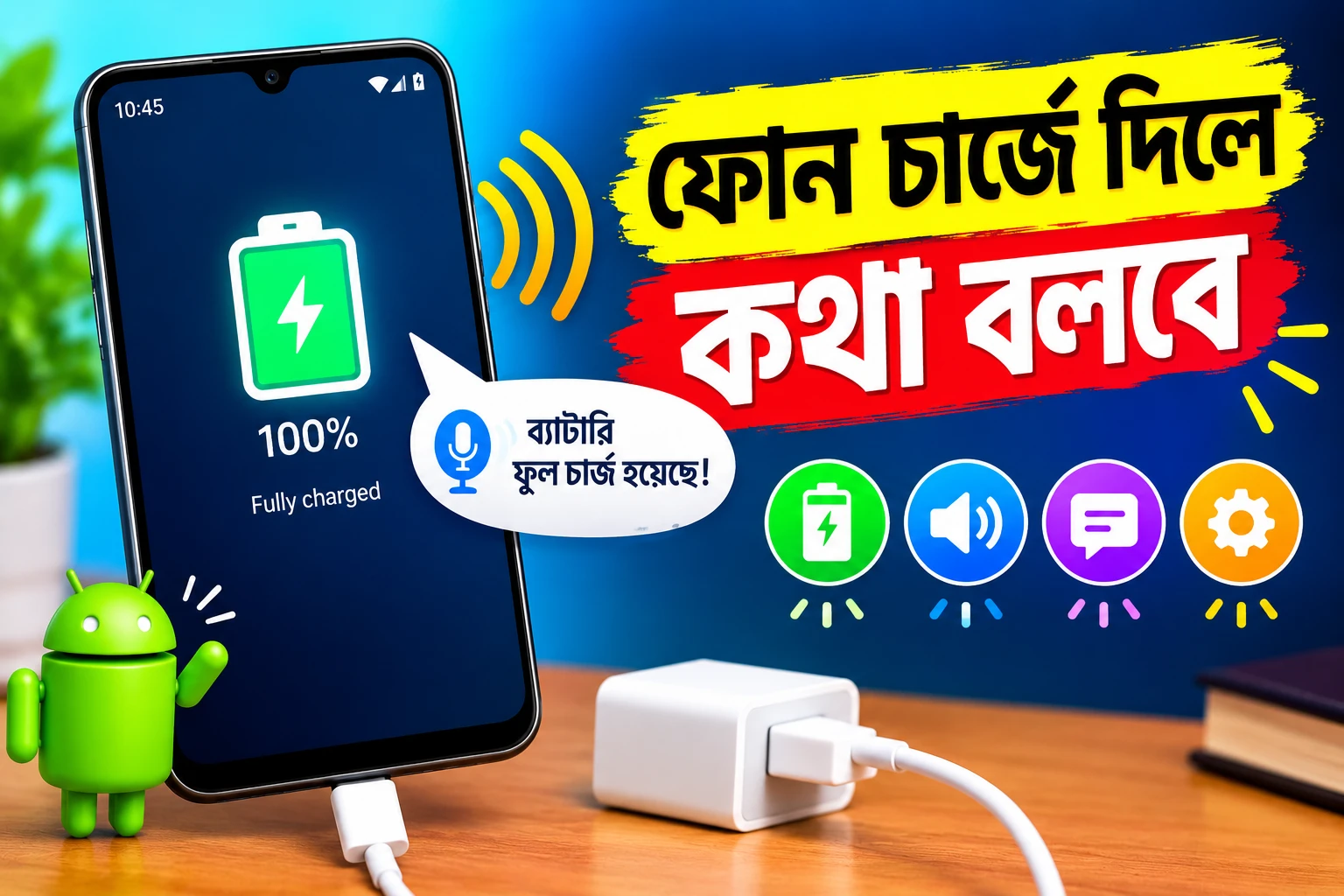
# Battery Sound Notification App Review: Customize Battery Alerts on Android
Have you ever forgotten to unplug your phone after it reaches 100% battery? Or have you missed a low-battery warning while working, studying, or watching videos? A battery notification app can help you stay informed about your phone's battery status.
**Battery Sound Notification** is an Android app designed to provide customizable sound alerts based on different battery conditions. It allows users to choose notification sounds, set battery percentage alerts, and receive reminders when the phone starts or stops charging.
In this article, we will explore the app's main features, benefits, setup process, advantages, limitations, and how you can download it safely from the Google Play Store.
## What Is Battery Sound Notification?
Battery Sound Notification is a utility app developed by Arcangelo Muschitiello. It is designed for Android users who want more control over battery-related sound notifications.
Instead of relying only on the phone's default battery alerts, users can configure sounds for different battery events. For example, you can set an alert for a low battery level or receive a notification when the battery becomes fully charged.
The app also supports custom audio files, ringtones, text-to-speech notifications, and other settings that help users personalize their experience.
**App Name:** Battery Sound Notification
**Developer:** Arcangelo Muschitiello
**Category:** Tools
**Platform:** Android
**Availability:** Google Play Store
**Business Model:** Contains ads
## Key Features of Battery Sound Notification
### 1. Custom Battery Percentage Alerts
One of the most useful features is the ability to configure battery alerts around selected percentage levels. You can set a low-battery reminder or a full-charge notification according to your preferences.
This can be helpful if you want to connect your phone to a charger before the battery becomes critically low or remember to check it when charging is nearly complete.
### 2. Battery Full and Low Notifications
The app supports alerts for both full and low battery conditions. These notifications can help you become more aware of your phone's charging status without repeatedly checking the screen.
For example, you might configure an alert when the battery reaches your preferred low level and another when it reaches your chosen full-charge threshold.
### 3. Custom Sound Notifications
Do you prefer a particular sound instead of the standard notification tone? Battery Sound Notification allows you to select an audio file for battery-related alerts.
You can choose a sound that is easy to recognize and distinguish from messages, calls, and other app notifications.
### 4. Charging and Discharging Alerts
The app offers notification options for charging and discharging events. These can help you identify when your phone begins receiving power or when its charging connection changes.
Such reminders may be useful if your charging cable becomes disconnected accidentally or you want an audible indication of a change in battery status.
### 5. Plugged and Unplugged Notifications
Battery Sound Notification can provide alerts when the phone is connected to or disconnected from a charger.
This feature may be useful when charging your device away from your desk or in another room. You can configure the available notification modes based on your preferences.
### 6. Text-to-Speech Notifications
The app includes text-to-speech functionality, which can announce battery-related information instead of relying only on a notification tone.
This may be convenient when you are busy with another activity and prefer a spoken alert. According to the developer's app description, an internet connection may be needed if the text-to-speech service does not work.
### 7. Background Service
The app supports a persistent background service intended to monitor battery events and deliver configured alerts. It also lists automatic startup after a device reboot or app update.
Actual background behavior may depend on your Android version, device manufacturer, battery optimization settings, and notification permissions.
### 8. Additional Customization Options
The app includes other useful options, such as notification sound repetition, ringtone selection, sleep mode, and settings related to silent or vibrate profiles. It also offers an option to disable the service during phone calls.
These settings let users adjust battery alerts to suit different situations.
## How to Use Battery Sound Notification
Getting started is straightforward. Follow these steps to configure your battery alerts.
**Step 1: Download the App**
Open the official Google Play Store listing using the link below and install Battery Sound Notification on your Android phone.
**Step 2: Open the Application**
Launch the app and explore its available battery notification modes.
**Step 3: Select a Battery Event**
Choose the type of event you want to monitor, such as full battery, low battery, charging, discharging, plugged, or unplugged.
**Step 4: Set Your Preferred Battery Level**
If the selected mode supports a percentage threshold, configure the level at which you want to receive an alert.
**Step 5: Choose a Notification Sound**
Select an available ringtone or a compatible audio file. You can also explore the text-to-speech option if you prefer spoken notifications.
**Step 6: Review Permissions and Battery Settings**
Allow the necessary notification permissions and check your phone's battery optimization settings if the alerts do not work consistently in the background.
**Step 7: Test Your Configuration**
Check whether your selected notification works as expected. If an alert does not play, review the app's settings, notification volume, sound profile, and background restrictions.
## Benefits of Using Battery Sound Notification
Battery Sound Notification can be useful for several everyday situations.
* **Less frequent screen checking:** Audible alerts can help you identify selected battery events without constantly opening the battery settings.
* **Personalized notifications:** Custom sounds make it easier to recognize battery alerts.
* **Charging reminders:** A full-charge notification can remind you to check your phone when charging is nearly complete.
* **Low-battery awareness:** A customized warning may help you recharge before your phone runs out of power.
* **Flexible settings:** Different notification modes allow you to choose which battery events matter to you.
* **Hands-free convenience:** Text-to-speech notifications may be useful when your attention is focused elsewhere.
Keep in mind that the app provides reminders rather than guaranteeing better battery health or longer battery life.
## Advantages and Limitations
Like any utility app, Battery Sound Notification has both useful features and practical limitations.
### Advantages
* Supports multiple battery-related notification modes.
* Allows custom sounds and ringtones.
* Includes configurable battery percentage alerts.
* Offers text-to-speech functionality.
* Provides background service and automatic startup options.
* Includes additional settings for notification behavior.
### Limitations
* Some features may require additional permissions or configuration.
* Background alerts may be affected by Android battery optimization.
* Sound notifications may behave differently depending on the device's audio settings.
* Text-to-speech functionality may require an internet connection in certain circumstances.
* The Google Play listing indicates that the app contains advertisements.
Understanding these limitations can help you decide whether the app meets your needs.
## Does Battery Sound Notification Improve Battery Life?
Battery Sound Notification is primarily designed to provide sound alerts based on battery status. It should not be confused with a battery repair tool or an application that directly increases battery capacity.
Its main benefit is convenience. By receiving reminders at selected battery levels, you can make more informed decisions about when to connect or disconnect your phone from its charger.
Battery life also depends on factors such as screen brightness, background activity, network conditions, charging habits, and battery age.
## Is Battery Sound Notification Safe to Install?
The app is available through the Google Play Store, which is the recommended place to obtain it. However, downloading from an official store does not automatically guarantee that every app is suitable for every user.
Before installing, review the app's current permissions, privacy policy, developer information, and Google Play Data safety section. The information provided there can help you understand the developer's declared data collection and sharing practices.
Only grant permissions that are relevant to the features you intend to use. You should also keep your Android operating system and applications updated.
## Who Should Use This App?
Battery Sound Notification may be suitable for:
* Android users who want custom battery alerts.
* People who often forget to check charging progress.
* Users who prefer sound notifications over visual reminders.
* People who want to customize low-battery warnings.
* Users who want audible reminders when charging connections change.
If you only need basic battery percentage information, your phone's built-in battery settings may already be sufficient. However, if you want additional sound customization, this app may be worth exploring.
## How to Download Battery Sound Notification
You can download the app from its official Google Play Store page.
**App:** Battery Sound Notification
Download Link
Open the link on your Android device, review the current app information, and tap **Install** if you decide that the app is suitable for you. Availability and compatibility may vary by device and region.
## Frequently Asked Questions (FAQ)
### 1. What is Battery Sound Notification used for?
It is an Android utility app that provides customizable sound notifications for battery events, including full battery, low battery, charging, discharging, and charger connection changes.
### 2. Can I set a custom battery alert percentage?
Yes. The app lists custom battery percentage options, allowing users to configure alerts for supported battery notification modes.
### 3. Can I use my own notification sound?
The app supports custom sound notifications and allows users to choose compatible audio files.
### 4. Does the app support text-to-speech?
Yes. Text-to-speech is listed as one of its features. If it does not work, check the relevant settings and internet connection.
### 5. Will it work when my phone screen is off?
The app supports a background service, but reliable operation can depend on Android permissions, manufacturer-specific battery restrictions, and device settings.
### 6. Is Battery Sound Notification a battery saver?
No. Its primary purpose is to provide battery-status alerts. It should not be treated as a dedicated battery-saving or battery-repair application.
### 7. Where can I download the app?
You can find Battery Sound Notification on its official Google Play Store page using the download link included in this article.
## Final Verdict
Battery Sound Notification is a useful option for Android users who want more control over battery-related sound alerts. Its customizable notification sounds, percentage-based alerts, text-to-speech functionality, and multiple battery event options can make everyday phone charging more convenient.
Although it does not directly improve battery capacity or guarantee longer battery life, it can help you stay aware of important battery changes. If personalized charging reminders are something you need, consider reviewing the app on Google Play and testing its settings on your device.
**Disclaimer:** This article is intended for informational purposes only. Battery Sound Notification is developed by its respective developer. This website is not affiliated with or endorsed by the developer or Google. App features, availability, permissions, and policies may change over time.
Copy Prompt
Copy this prompt and try it yourself.